
Thinking & writing
Explore alternatives, structure a brief, or develop a first draft. Follow up with corrections and constraints to shape the answer around your actual goal.
NIRAN / AI chat & voice assistant
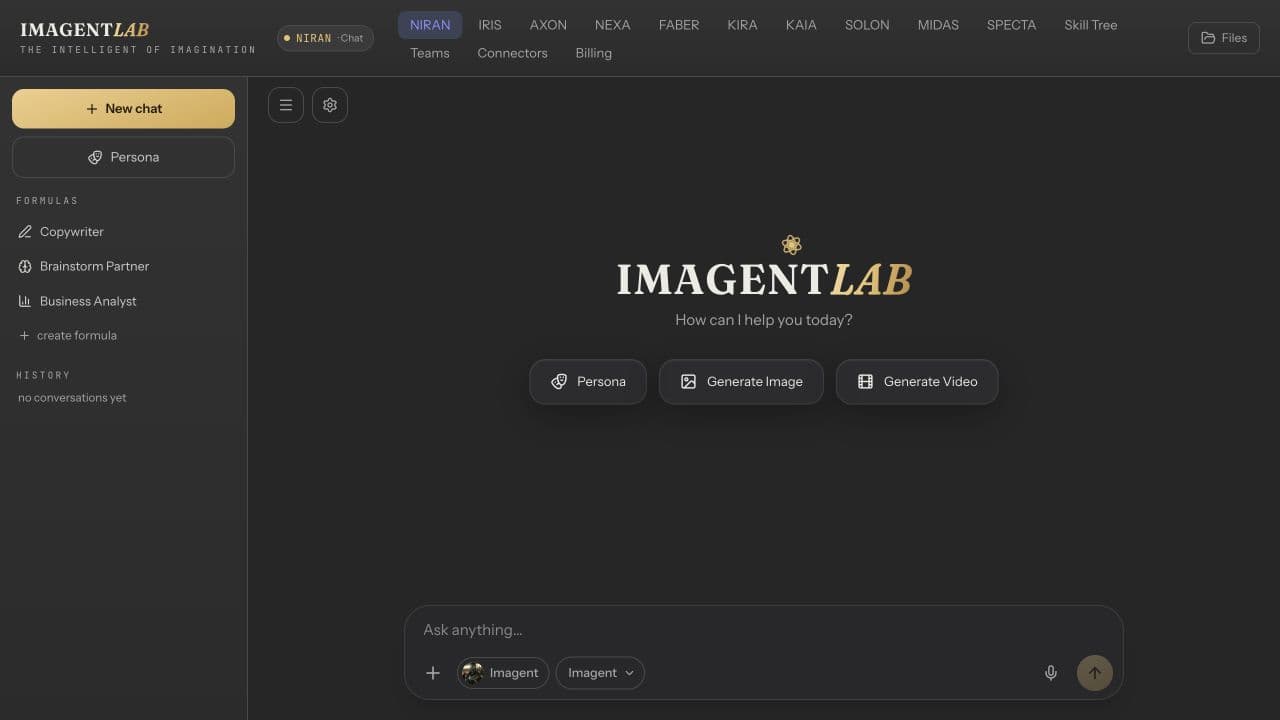
Use NIRAN as your conversational starting point: unpack an idea, draft a message, or work through a document. Choose a model and the tools that fit the task, then keep refining in the same conversation.
Inside IMAGENTLAB · Account required · Credit-based usage
Explore NIRAN VoiceWHAT YOU WALK AWAY WITH
A blank page is easier to tackle when you can ask, compare, and revise. Keep your goal and source material close instead of starting every task from scratch.
Explore alternatives, structure a brief, or develop a first draft. Follow up with corrections and constraints to shape the answer around your actual goal.
Bring supported documents and images into chat. Ask about the material, compare ideas, and review the answer against the original source.
Choose from the available models and enable supported search or creative tools when needed. Tool access and costs depend on the selected model and your plan.
Open NIRAN Voice when you want to talk through your work. Voice has its own access and usage requirements; it is not automatically included with every chat plan.
FROM INPUT TO OUTPUT
Describe what you want to understand, write, or decide. Include the audience and any important constraints.
Choose a model and attach supported reference files. Enable search when current information is important and the model supports it.
Ask follow-up questions, compare options, and request revisions in the conversation.
Check facts and source material, then copy or use the result as a brief for the next specialist workflow.
BEFORE YOU BEGIN
What to expect from NIRAN, and where your own review still matters.
No. The main NIRAN button opens text chat. The separate NIRAN Voice link opens the voice workspace, where you can review access requirements before connecting.
No. A chat answer is not automatically a live search result. Enable a supported search tool when you need current information, and check any sources returned.
Yes, chat supports document and image attachments in eligible workflows. Supported formats, limits, and model capabilities can vary; follow the upload controls in the app.
The current NIRAN Voice interface requires Agency access for non-admin users. Live voice is credit-metered while connected, including silence. Check the displayed rate and any additional tool costs before starting.
KEEP BUILDING
IRIS
Create brand visuals with IRIS, an AI image and video studio with references, templates and image editing tools. Explore the workflow and model access.
Explore IRISKIRA
Build a clearer brand with KIRA. Specialist AI agents develop positioning, brand voice, visual identity and a downloadable PDF and HTML brand book.
Explore KIRAStart in IMAGENTLAB. Review the plan and credit requirements before generating.